Installing ShowPlay
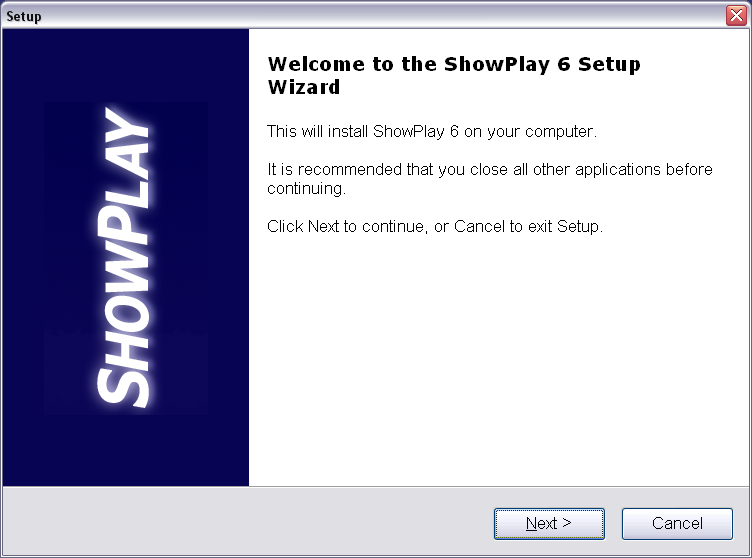
Start installation
By running the Setup_SP6.EXE
program you just downloaded.
Click to install.
Please enable JavaScript.
By running the Setup_SP6.EXE
program you just downloaded.
Click to install.
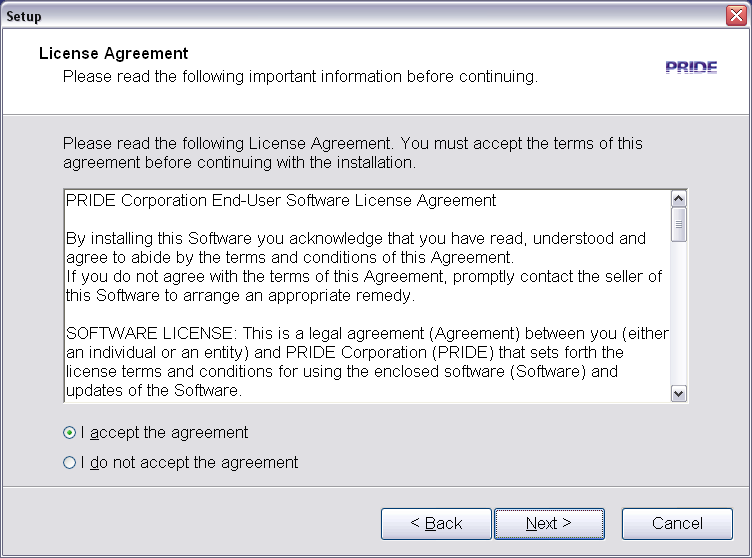
Read and accept
the simple license.
And click here...
Installation only
takes 10 seconds.
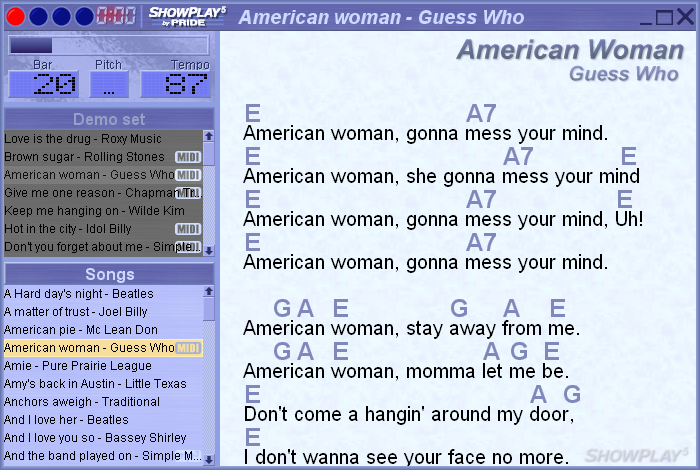
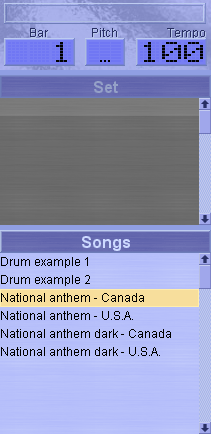
ShowPlay auto-starts
after installing.
Is telling ShowPlay
where your songs are.
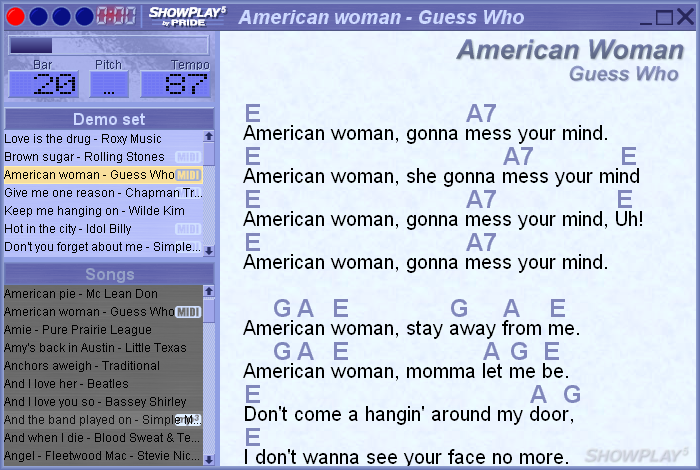
Drag one of your songs
onto ShowPlay.
Right-click in
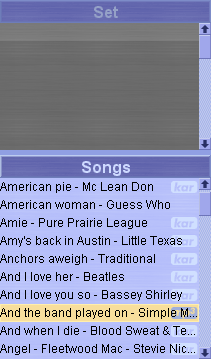
the songs list.
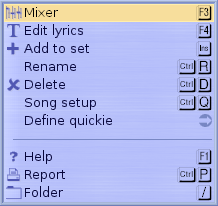
Select FOLDER
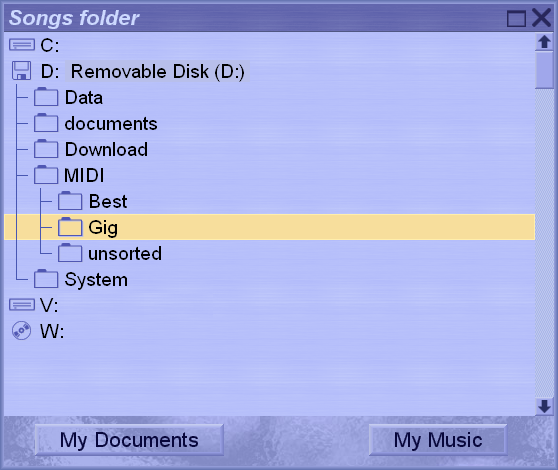
Go up and down
with ↑↓
Open and close
folders with ←→
Any question?
Contact us at
For help changing
audio devices, see the 1st time setup